Best Vantrue Dash Cams UK: Which Model Should You Choose?

If you’re looking for the best Vantrue dash cams UK drivers can buy, start with what you need to record. Vantrue makes small cameras for the road ahead, front-and-rear systems, and setups that also record inside the car. Similar model names and different bundles can make the choice harder than it needs to be.

The shortlist below is organised by what each model records. Use the comparison chart to find the setup that suits you, then jump to its full review.

Choose by what you need to record:

If you want…Start with…
Front, inside and rear footageN4 Pro S
4K footage of the road ahead and behindS1 Pro Max
A compact camera for the road aheadE1 Pro
Two views inside the carN5S
One panoramic view of the front and insideE360
Extra 5% Off
Use code: RIDESHAREG
Check Vantrue offers →

If you want…

Start with…

Front, inside and rear footage

N4 Pro S

4K footage of the road ahead and behind

S1 Pro Max

A compact camera for the road ahead

E1 Pro

Two views inside the car

N5S

One panoramic view of the front and inside

E360

Extra 5% Off
Use code: RIDESHAREG
Check Vantrue offers →

Affiliate disclosure: This guide contains affiliate links. If you buy through them, I earn a commission at no extra cost to you.

THE VANTRUE SHORTLIST

ModelViewsBest reason to choose itThink twice if…
N4 Pro SFront + inside + rearYou want a balanced three-camera setupYou have no use for inside footage
N5SFront + two inside views + rearThe second inside camera covers an area the first would missOne inside view is enough
S1 Pro MaxFront + rear in the 4K + 4K bundleYou want detailed road footage in both directionsYou need footage from inside the car
E1 ProFront onlyYou want a compact 4K cameraYou need to record behind or inside the car
E360Panoramic front + insideYou specifically want the wide, stitched viewClear front-and-rear road footage is your priority

MY tAKE

For private-hire work, I’d start with the N4 Pro S. It covers the road, the passengers and the traffic behind without making you pay for a second inside view you may never need. For front-and-rear road footage, I’d choose the S1 Pro Max 4K + 4K bundle. If the road ahead is all you need, look at the E1 Pro.

The Vantrue models worth considering:
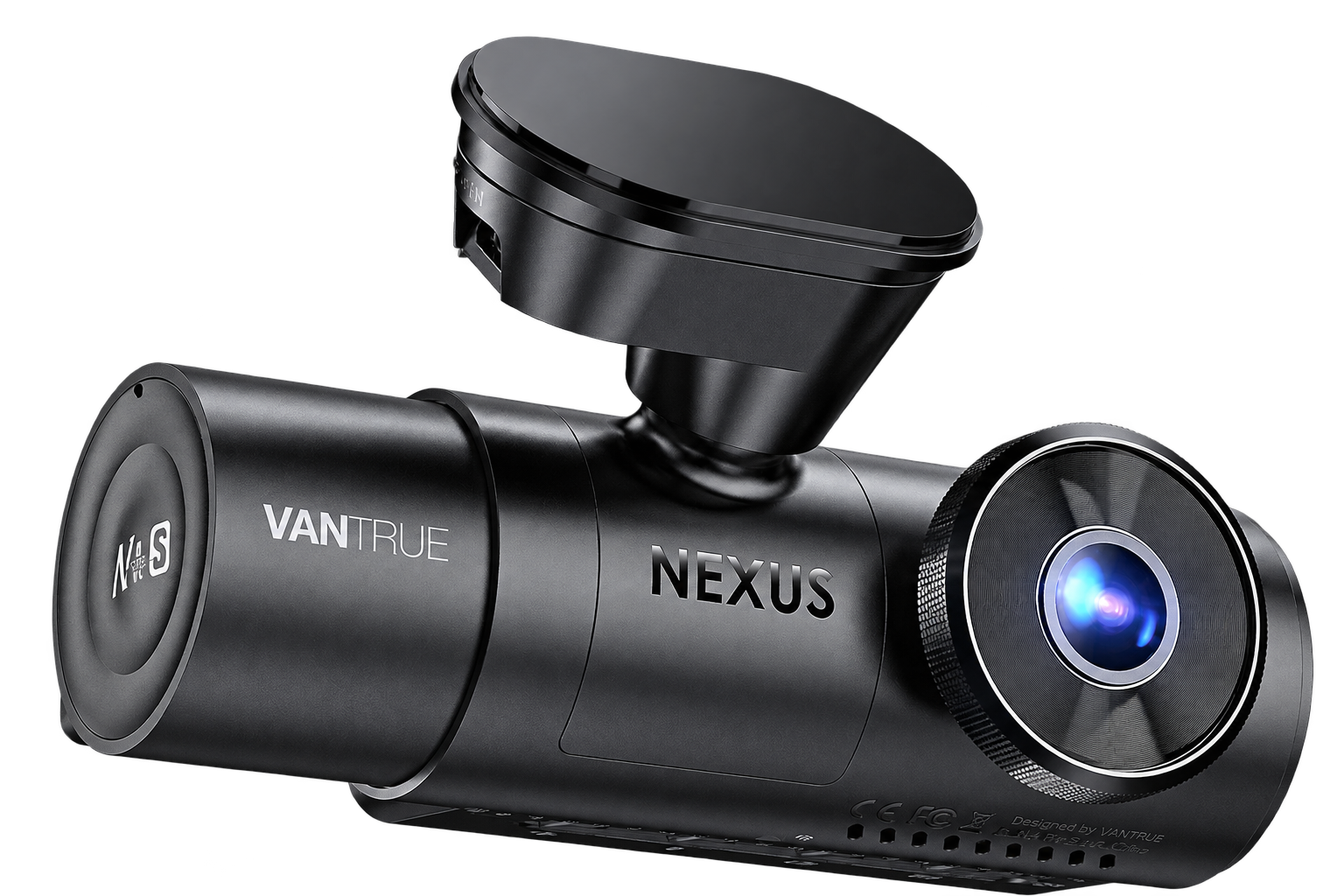
N4 Pro S

Most taxi, Uber and private-hire drivers

N5S

Drivers who need a second view of a larger passenger area

S1 Pro Max

Drivers who want road footage in both directions

E1 Pro

Drivers who want a discreet, simpler setup

E360

Someone specifically wanting panoramic footage


My pick for private hire and 3-channel coverage

EXTRA 5% OFF
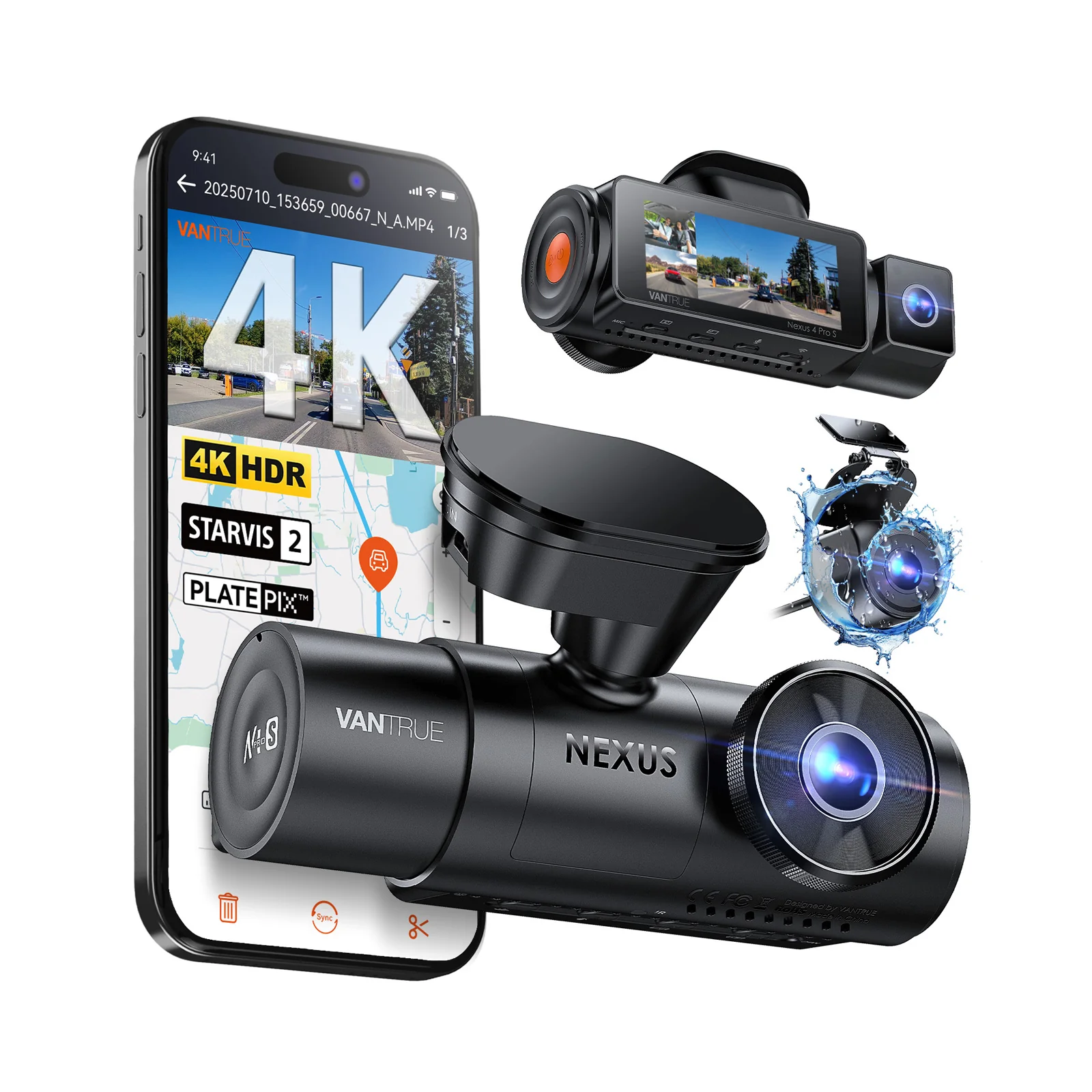
Vantrue N4 Pro S:

Best fit: Drivers who want footage from inside the car, especially those carrying passengers for work.

Approx. £279.99 – £390.99

Use Code:

RIDESHAREG

  • 4K front, 1080p inside and 1440p rear recording together.
  • Sony STARVIS 2 sensors on all three cameras.
  • Infrared-assisted inside recording for dark journeys.
  • A separate rear camera, plus GPS and Wi-Fi.
  • Support for compatible microSD cards up to 1TB.
  • You’ll need to route a cable to the rear camera.
  • Three recordings use storage more quickly.
  • It is larger and dearer than a front-only camera.

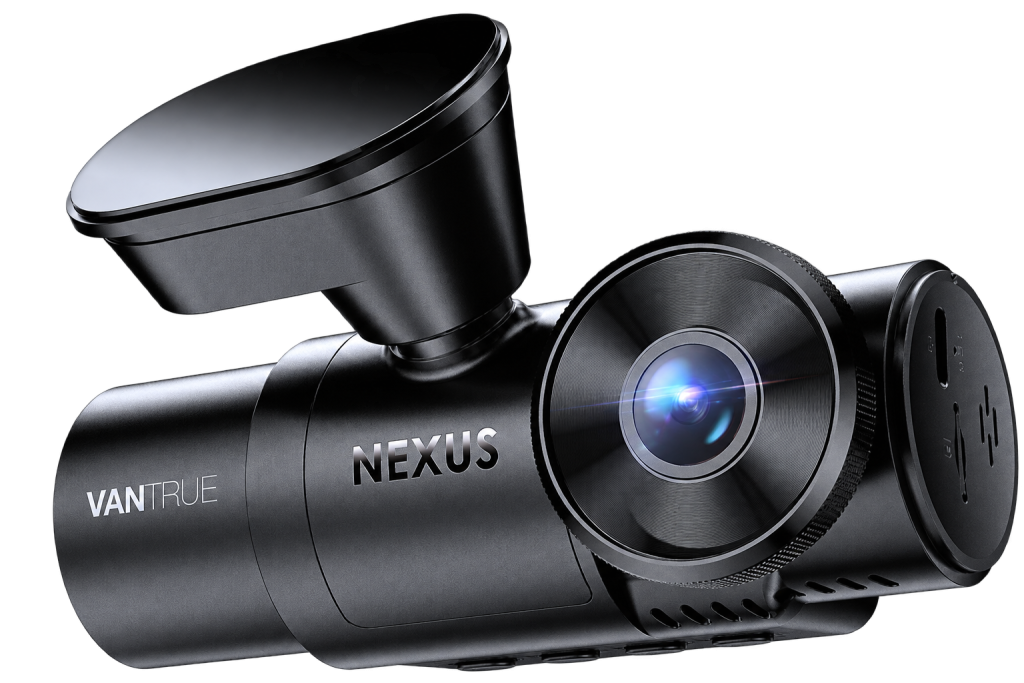
The N4 Pro S records at 4K front, 1080p inside and 2.5K rear with all three cameras running. With STARVIS 2 sensors on every camera, it’s one of the strongest 3-channel choices I’ve found for drivers who want all three views without giving up 4K footage of the road ahead.

That inside view matters most when you carry passengers. From my years driving private hire, I’d choose one well-aimed interior camera for an average-sized car. I’d only pay for the N5S’s second inside view if there were an area the first camera couldn’t cover.

You’ll have to run a cable to the rear with this dash cam and make sure the inside camera points where you need it. The waterproof rear camera can be mounted outside the car, though that takes more work to fit. If you don’t need to record inside, I’d choose a front-and-rear model.

Channels: Front + Interior + Rear | Front Resolution: 4K UHD (3840 × 2160) @ 30fps | Interior Resolution: 1080p (1920 × 1080) @ 30fps | Rear Resolution: 2.5K / 1440p (2560 × 1440) @ 30fps | Viewing Angle: Front 155° / Interior 160° / Rear 165° | Night Vision: Sony STARVIS 2 sensors, HDR and infrared-assisted interior camera | Power Type: Supercapacitor | Max Storage: Up to 1TB microSD | Parking Mode: Collision detection, buffered motion detection, low-bitrate and low-frame-rate recording (continuous power required) | Wi-Fi / App: Yes, Vantrue app; 2.4GHz/5GHz Wi-Fi | GPS: Via GPS mount | Dimensions (Front Unit): 132 × 58 × 44 mm

GET IT NOW

N4 Pro S Review

Best for four-camera coverage

EXTRA 5% OFF
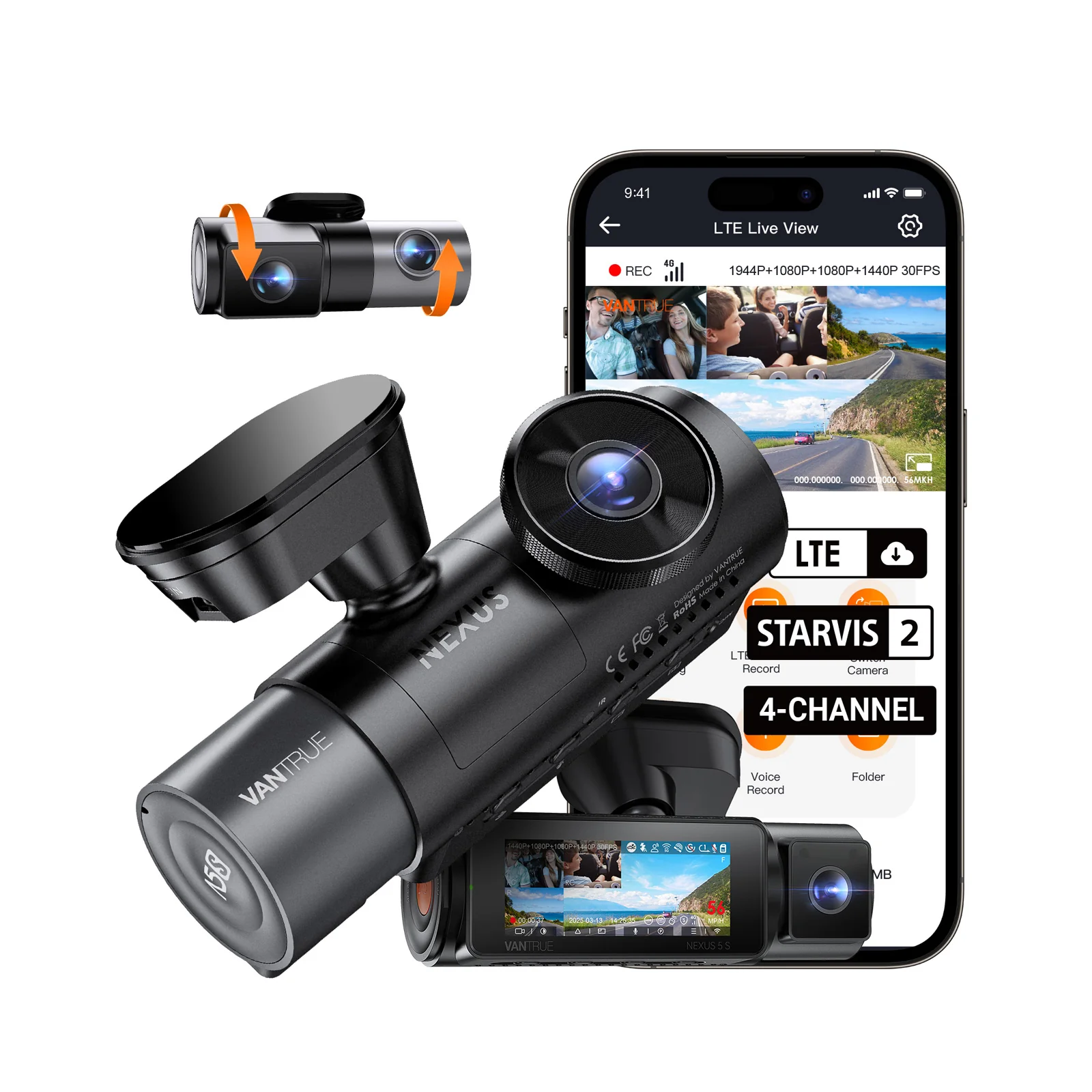
Vantrue N5S:

Best fit: Drivers who want front and rear road footage, with two views inside the vehicle.

Approx. £329.99 – £389.99

Use Code:

RIDESHAREG

  • Four views from two camera units.
  • Inside cameras at the front and rear, with infrared lighting.
  • A dedicated rear road camera.
  • GPS, Wi-Fi and support for compatible microSD cards up to 1TB.
  • Four recordings use more storage and take longer to review.
  • The main unit is fairly large, so placement matters.
  • The extra inside view only helps if it shows an area the first camera misses.
  • Front recording has less resolution than the N4 Pro S’s 4K camera.

The N5S records the road ahead, the road behind and the inside of the car from both ends. Its second inside camera can be useful when seats, headrests or the position of the front camera leave part of the vehicle out of view. That might matter in a larger car, but vehicle size alone is not a reason to buy it. What matters is whether the extra angle shows you something useful.

Vantrue calls this a 360-degree dash cam. I would take that as a description of its broad coverage, not a promise that it records every detail outside the side windows. The inside cameras may pick up some activity there in daylight, but their main job is to show what happens in the car.

For most drivers who need inside footage, I would start with the N4 Pro S. Choose the N5S when you can point to the view its fourth camera would add. Otherwise, you are paying for another recording to store and look through without gaining much.

Channels: Front + Front Interior + Rear Interior + Rear | Front Resolution: 1944p (2592 × 1944) @ 30fps | Front Interior Resolution: 1080p (1920 × 1080) @ 30fps | Rear Interior Resolution: 1080p (1920 × 1080) @ 30fps | Rear Resolution: 1440p (2560 × 1440) @ 30fps | Viewing Angle: Front 158° / Front Interior 160° / Rear Interior 160° / Rear 165° | Night Vision: Four Sony STARVIS 2 sensors and infrared-assisted inside cameras | Power Type: Supercapacitor | Max Storage: Up to 1TB microSD | Parking Mode: Collision detection, buffered motion detection, low-bitrate and low-frame-rate recording (continuous power required) | Wi-Fi / App: Yes, Vantrue app; 2.4GHz/5GHz Wi-Fi | GPS: Built-in

GET IT NOW

Vantrue N5S Review

My pick for 4K front and rear footage

EXTRA 5% OFF
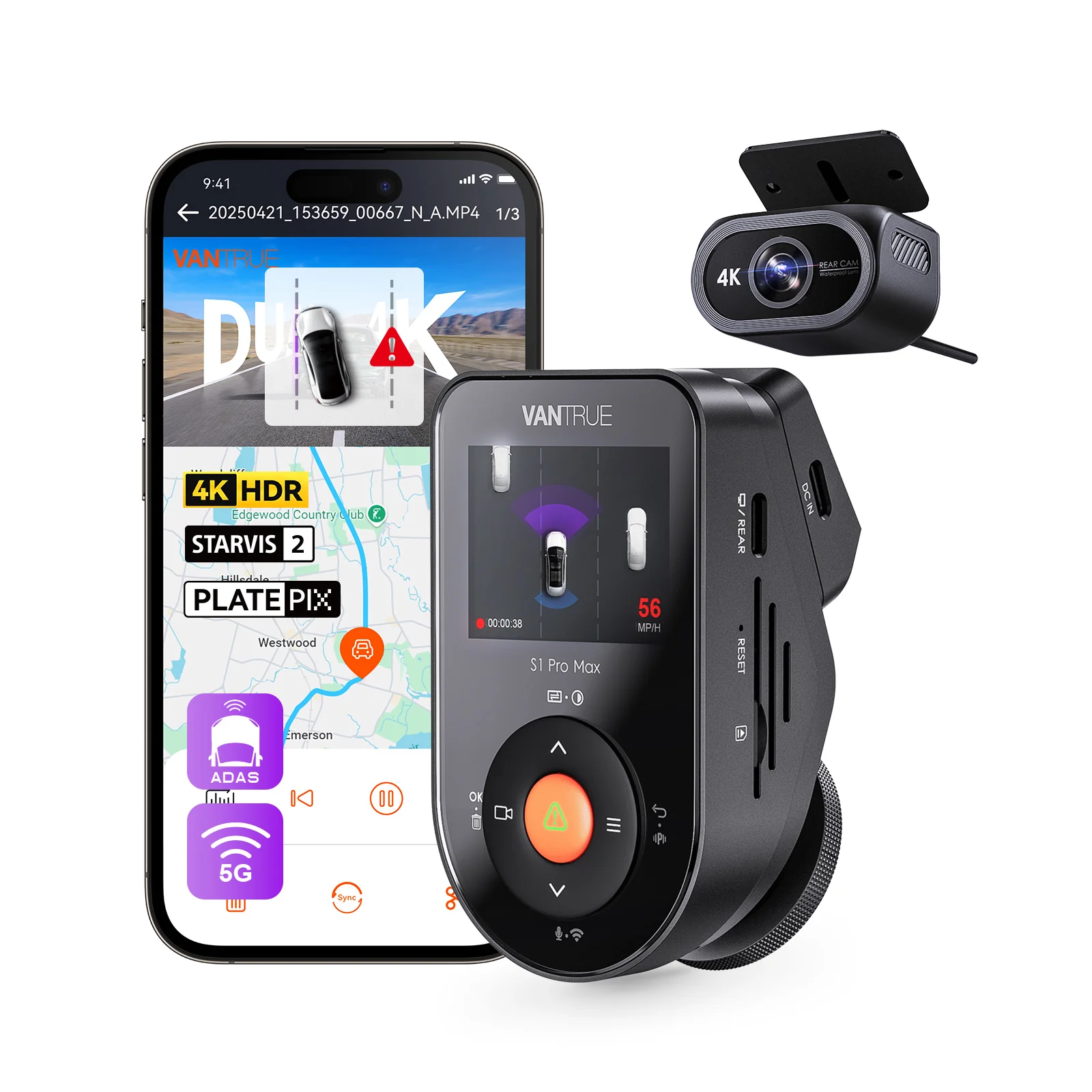
Vantrue S1 Pro Max:

Best fit: Drivers who want detailed road footage in both directions without recording inside the car.

Approx. £249.99 – £299.99

Use Code:

RIDESHAREG

  • 4K front and rear recording in the 4K + 4K version.
  • Sony STARVIS 2 sensors in both cameras.
  • Neat, low-profile front unit.
  • Wi-Fi, GPS and support for microSD cards up to 1TB.
  • Waterproof 4K rear camera in the selected setup.
  • Other S1 Pro Max versions have different rear-camera specifications.
  • You still need to fit a cable to the rear.
  • Two 4K recordings fill a memory card faster.
  • The optional driver-monitoring camera takes the rear camera’s place.

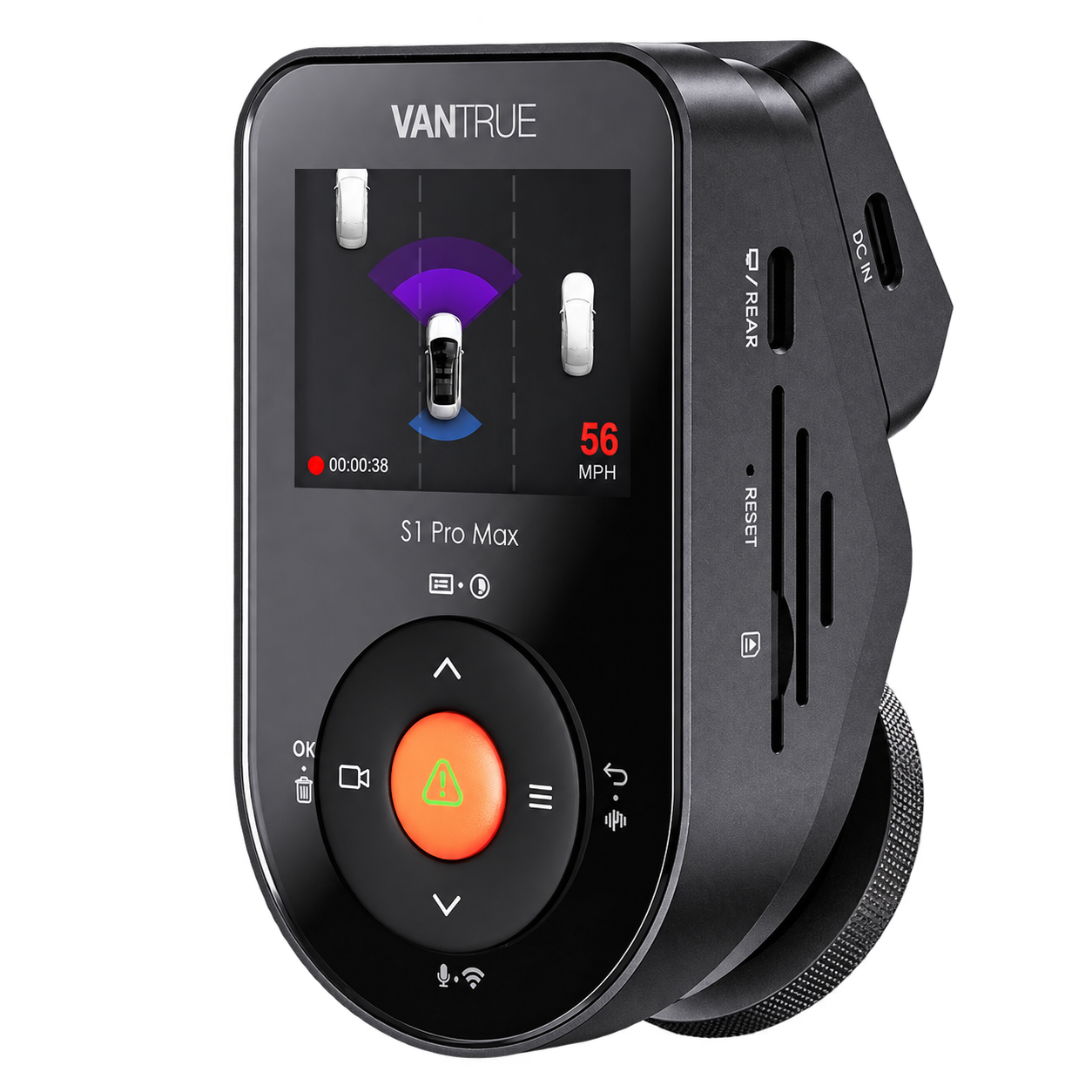
The S1 Pro Max is a good choice if you want high-resolution footage of the road ahead and behind. In the 4K + 4K version, both cameras use Sony STARVIS 2 sensors. The front unit has a neat, low-profile shape, so it should sit fairly discreetly on the windscreen.

PlatePix gives you another option when number plates are your priority. It aims to make them easier to read, but it can darken the rest of the picture. I wouldn’t leave it on without comparing a few clips in the conditions you normally drive in.

There are driver alerts too, including forward-collision and lane-departure warnings. I’d treat those as extras; the reason to buy this version is its front-and-rear footage. If you want a camera watching the driver instead, Vantrue offers an optional DMS camera, but it takes the rear camera’s place. You cannot use both on this model.

Check the exact package before paying. Vantrue sells the S1 Pro Max as front-only, 4K + 2.5K and 4K + 4K versions. My pick here is the 4K + 4K bundle, so make sure the listing includes the 4K rear camera.

Channels: Front + Rear | Front Resolution: 4K UHD (3840 × 2160) @ 30fps | Rear Resolution: 4K UHD (3840 × 2160) @ 30fps | Viewing Angle: Front 155° / Rear 155° | Night Vision: Sony STARVIS 2 IMX678 sensors in both cameras; front HDR | Power Type: Supercapacitor | Max Storage: Up to 1TB microSD | Parking Mode: Buffered motion detection, collision detection, low-bitrate and low-frame-rate recording (continuous power required) | Wi-Fi / App: Yes, Vantrue app; 2.4GHz/5GHz Wi-Fi | GPS: Via GPS mount

GET IT NOW

Vantrue S1 Pro Max 4K (Front & Rear) Review

Vantrue’s compact 4K front-only dash cam

EXTRA 5% OFF
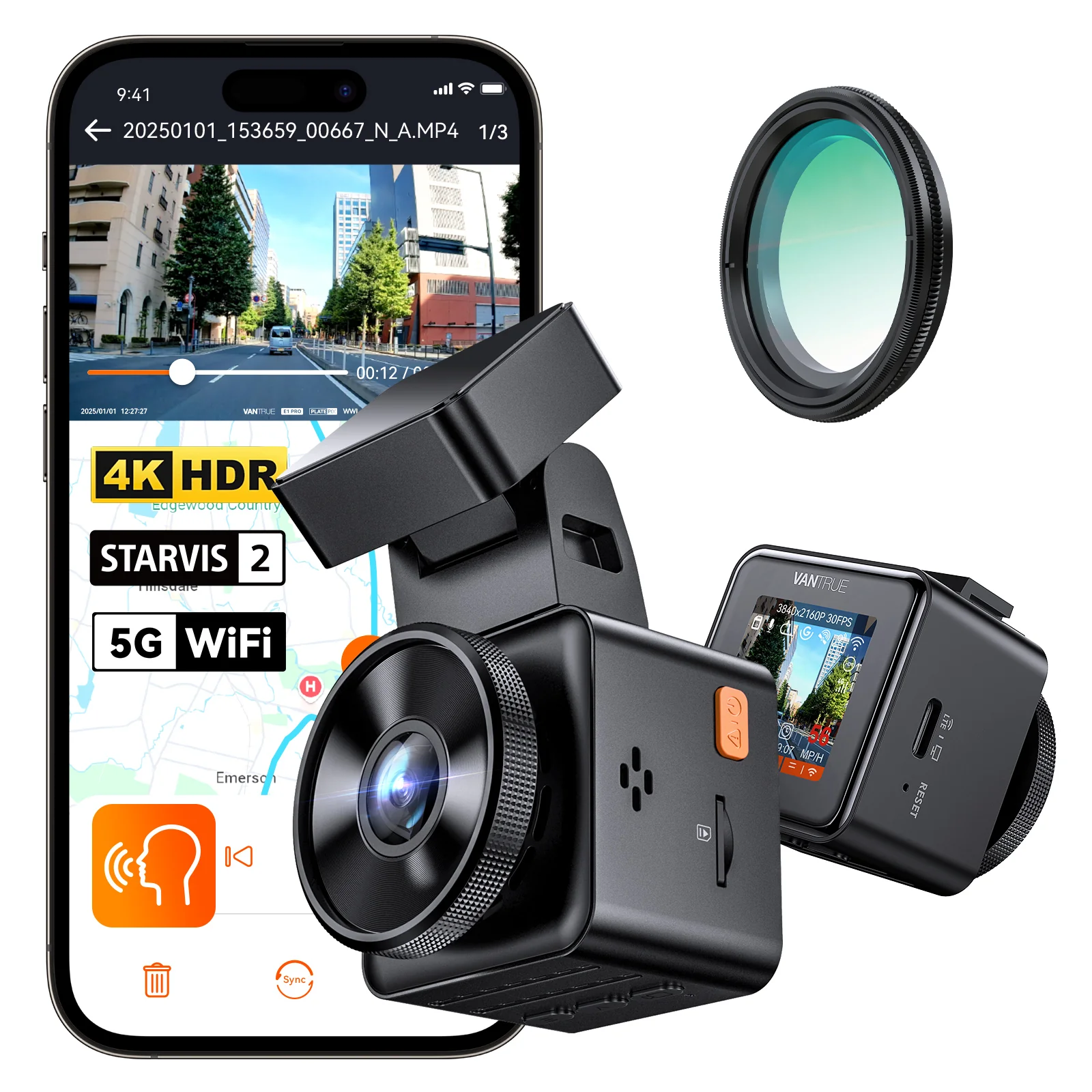
Vantrue E1 Pro:

Best fit: Drivers who want 4K footage of the road ahead without a large camera on the windscreen.

Approx. £129.99 – £173.99

Use Code:

RIDESHAREG

  • 4K recording with a Sony STARVIS 2 sensor.
  • Compact and simple to fit.
  • CPL filter included.
  • GPS, Wi-Fi and voice control.
  • Support for microSD cards up to 1TB.
  • No footage from behind or inside the car.
  • Its small screen may make the app easier for changing settings.
  • Parking recording needs power after the engine is switched off.

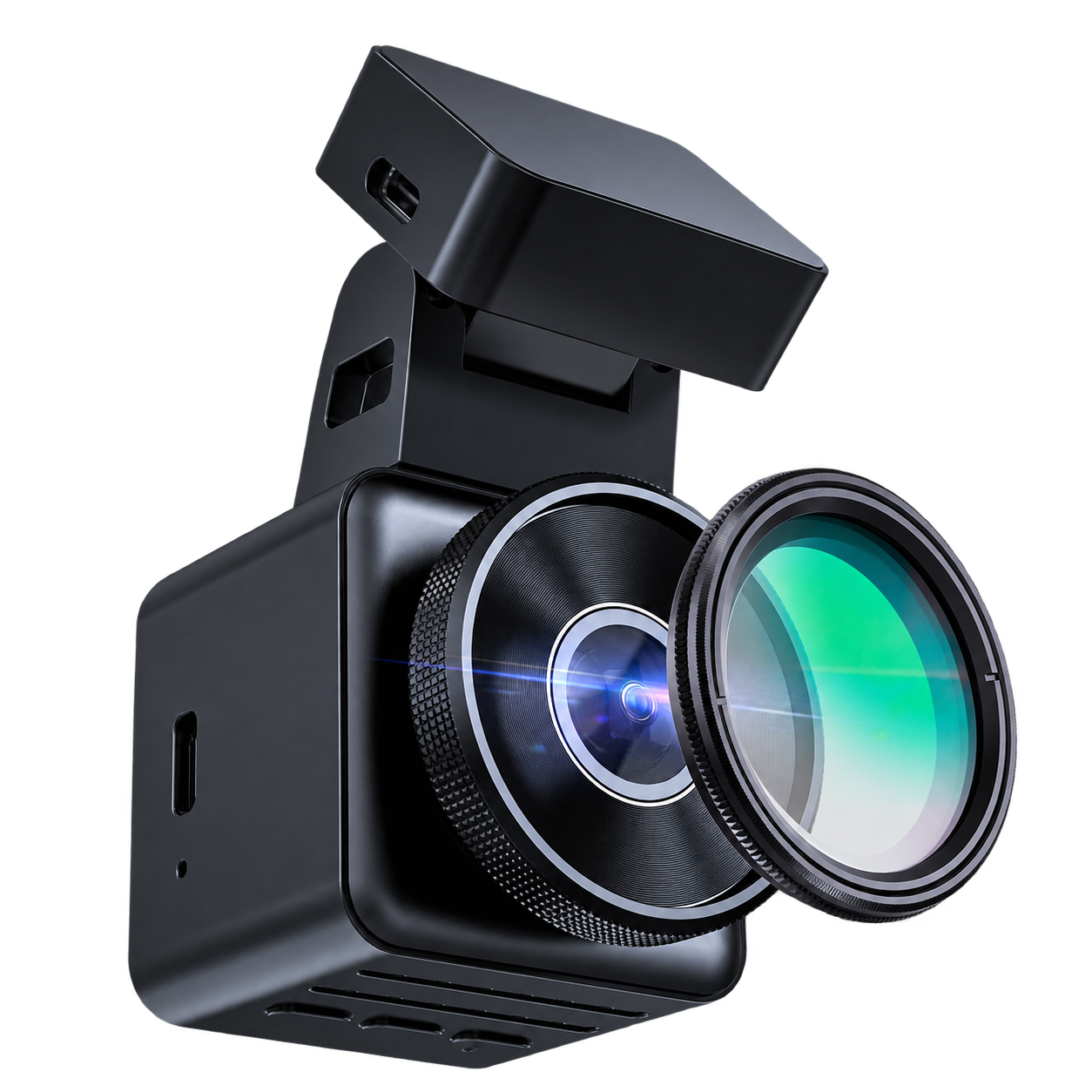
The E1 Pro gives you 4K recording in a camera that takes up little room on the windscreen. It has a Sony STARVIS 2 sensor and HDR, while the included CPL filter helps cut reflections from the glass. You can use the camera’s buttons and screen to change settings, or do it through the Vantrue app.

I’d look at it if I wanted a straightforward record of the road ahead without fitting a rear camera. That also makes it easier to install in a smaller car. If you carry passengers for work, though, it wouldn’t be my only camera: it cannot show what happened inside the car or behind it.

Price matters here too. If the E1 Pro is considerably cheaper than the front-and-rear models, it’s an appealing way to get a capable 4K front camera. If the gap is small, I’d think about whether a rear view would be worth the extra cost.

Channels: Front only | Front Resolution: 4K UHD (3840 × 2160) @ 30fps | Viewing Angle: Front 158° | Night Vision: Sony STARVIS 2 IMX678 sensor and HDR | Power Type: Supercapacitor | Max Storage: Up to 1TB microSD | Parking Mode: Motion detection, collision detection, low-bitrate and low-frame-rate recording (continuous power required) | Wi-Fi / App: Yes, Vantrue app; 2.4GHz/5GHz Wi-Fi | GPS: Via GPS mount

GET IT NOW

Vantrue E1 Pro Review

The panoramic option

EXTRA 5% OFF
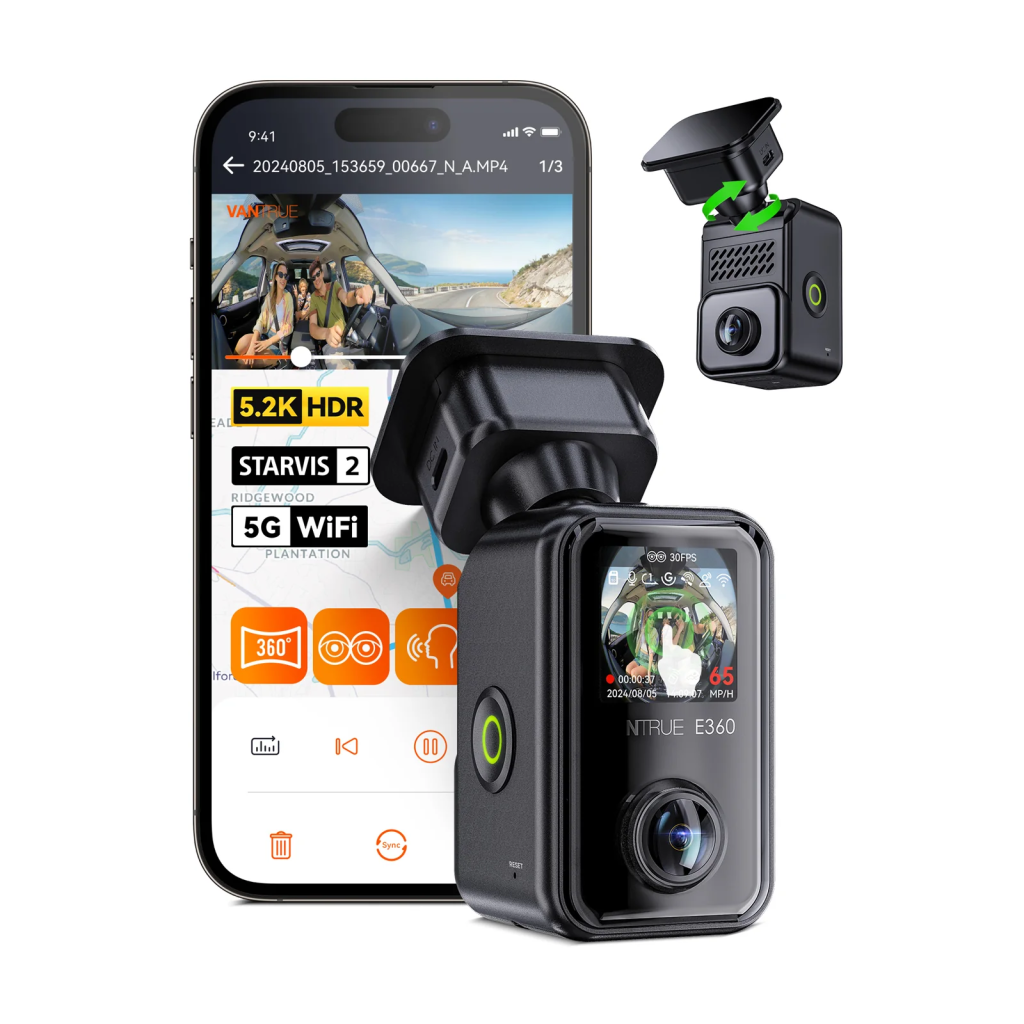
Vantrue E360:

Best fit: Drivers who want a broad view of the road ahead and the inside of the car in one recording.

Approx. £169.99 – £239.99

Use Code:

RIDESHAREG

  • 5.2K panoramic recording of the front and inside.
  • Separate front and interior recording modes.
  • Infrared lighting for the inside view.
  • Built-in touchscreen.
  • An Ace bundle is available if you also want a powered handheld grip.
  • Distant number plates can be harder to read, especially at night.
  • The standard E360 does not include the Ace extras.
  • The main camera is not waterproof.

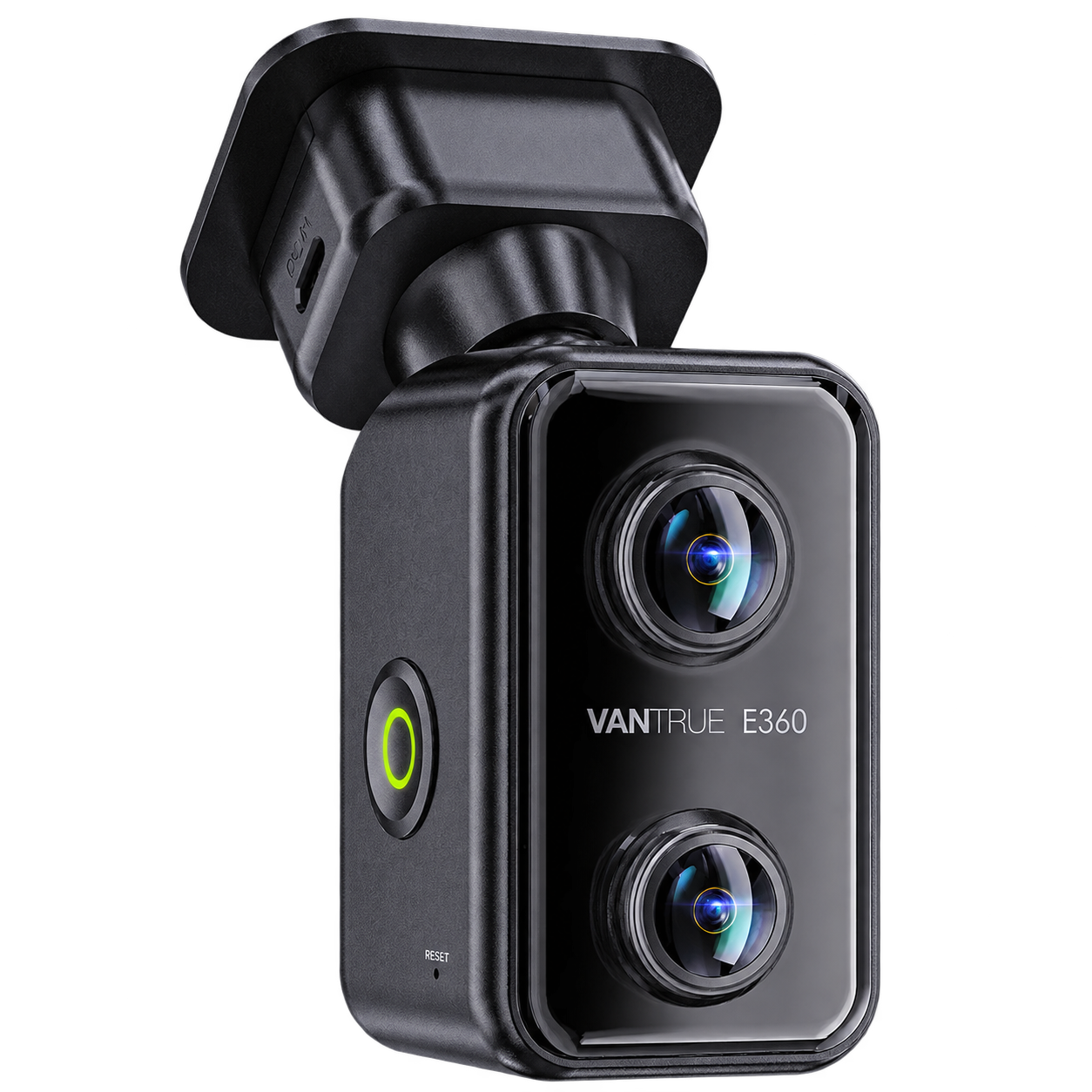
The E360’s two lenses cover the road ahead and inside the car. In panoramic mode, it stitches both views into one 5.2K video. You can also record them separately at 1440p + 1440p or 1944p + 1944p. There’s a built-in touchscreen for changing modes on the camera.

I’d choose it if I specifically wanted that wide view. It gives you more context around the front and inside of the car, but distant number plates can be harder to read, especially at night. The STARVIS 2 sensors don’t remove that limit. If clear road footage were my main priority, I’d choose a more conventional dash cam.

The E360 Ace bundle adds a rear camera and a powered grip for recording away from the car. I’d still choose the standard E360 for its panoramic view. If I wanted front-and-rear road footage, I’d buy the S1 Pro Max instead. The handheld option is useful, but the camera isn’t waterproof, so I wouldn’t treat it like a rugged action camera.

Channels: Front + Interior; optional Rear | Recording Resolution: 5.2K panoramic @ 30fps (front + interior), or 5.2K panoramic + 1440p rear @ 30fps with rear camera | Viewing Angle: Front 210° / Interior 210° / Rear 165° when fitted | Night Vision: Sony STARVIS 2, HDR and infrared LEDs | Power Type: Supercapacitor | Max Storage: Up to 1TB microSD | Parking Mode: Collision detection, buffered motion detection, low-bitrate and low-frame-rate recording (continuous power required) | Wi-Fi / App: 2.4GHz/5GHz Wi-Fi and Vantrue app | GPS: Via the supplied GPS mount

GET IT NOW

Vantrue E360 Review

Who is Vantrue?
Vantrue lists its company address in Shenzhen, China, with contact details in Hong Kong and the US. For a UK buyer, I would pay more attention to who sells the camera, what is in the box, and the warranty and return terms.

Vantrue cameras have also appeared in independent reviews: TechRadar has reviewed the E1 Pro and E360, and Auto Express included the earlier N4 Pro in a group test. That gives you more to read than the manufacturer’s description, but I would still look for footage and findings on the particular model and bundle you plan to buy.
Are Vantrue dash cams any good?
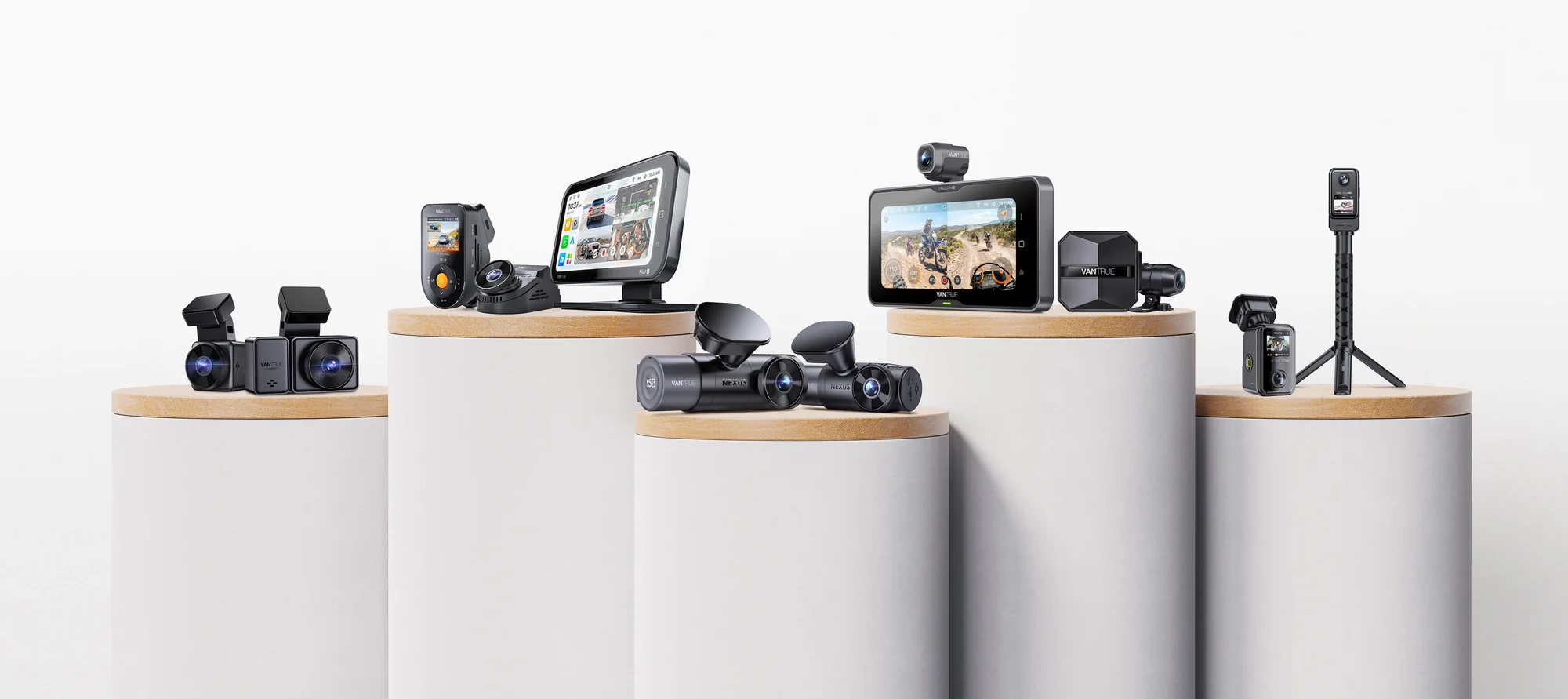
Best Vantrue dash cams UK comparison showing front-only, front-and-rear and interior recording options
Yes. There is a useful choice of camera setups, and the N4 Pro S makes particular sense if you need footage from inside the car. The S1 Pro Max and E1 Pro are good reminders that you do not need an interior camera to find a Vantrue worth considering.

I would still judge the footage and the whole setup, not the biggest number on the box. A “4K” label does not tell you what the other cameras record, and “360-degree” does not mean every angle will show equal detail. Night footage, fitting and how easily you can find a clip matter when you actually need to use the camera.
Difference between N4 Pro, N4 Pro S and N4S?
These are three different 3-channel cameras. The table shows their front, inside and rear recording when all three cameras are running.
ModelFront cameraInside cameraRear cameraMain difference
N4 Pro4K
· STARVIS 2
1080p
· No STARVIS 2
1080p
· Original STARVIS
4K ahead, with older sensors inside and at the rear
N4 Pro S4K
· STARVIS 2
1080p
· STARVIS 2
1440p (2.5K)
· STARVIS 2
4K ahead and upgraded inside and rear cameras
N4S1944p (2.7K)
· STARVIS 2
1440p (2.5K)
· STARVIS 2
1440p (2.5K)
· STARVIS 2
Sharpest inside recording; lower front resolution than the Pro models
My take: Like the N4S, the N4 Pro S uses Sony STARVIS 2 sensors on all three cameras. The N4S records the inside at a higher resolution, but the N4 Pro S gives you 4K at the front instead of 1944p. I’d take that trade-off: the road ahead is where I’d want the most detail, particularly if I drove for a living. Compared with the older N4 Pro, it also has an upgraded inside camera and sharper rear recording. If you spot an N4 Pro for much less, compare the exact bundle and final fitted price before deciding.
Which views do you actually need?
A front-only camera keeps fitting simple. Front and rear adds footage of traffic behind you. A 3-channel setup also records inside the car, which can matter when you carry passengers. The N5S adds a second inside view; buy it if the first would leave part of your car out of shot.

If you are choosing a camera mainly for passenger work, my guide to dash cams for Uber drivers goes further into where to put the inside lens and what to look for.
Will 4K capture number plates at night?
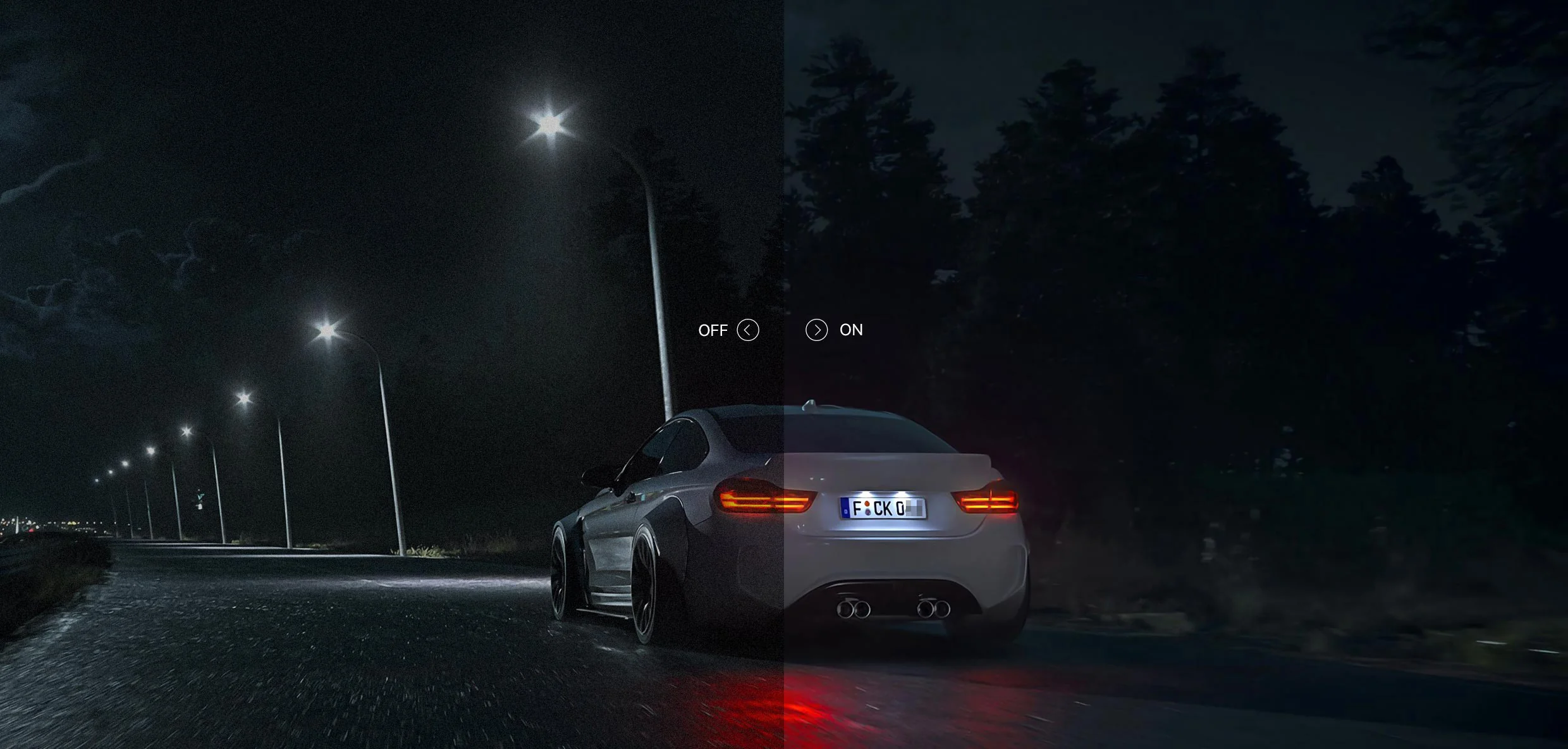
Sometimes. More pixels help when a plate is close enough and conditions are favourable. Vantrue’s PlatePix mode aims to bring out plate detail, but speed, distance, rain, windscreen glare and headlights can still obscure it. Check footage with all the cameras you plan to use running together. A front camera’s maximum resolution tells you nothing about the detail you’ll get from the inside or rear lens.

If you carry passengers at night, a camera aimed properly at the seats may be more useful than another resolution increase. Infrared helps inside the car, but the lens still needs a clear view.
What is Vantrue like to set up?
For a standard driving setup, you can power the camera with the supplied in-car lead. A rear camera means routing another cable through the vehicle. Before tucking the wires away, check where every lens points and play back a clip from each camera. You can change settings on the unit or through the Vantrue app.
Parking mode, storage and the real cost
If your car’s accessory socket switches off with the ignition, the dash cam needs another power source to record while parked. Allow for a compatible hardwire kit or battery pack, and fitting if you do not want to do the wiring yourself.

Check whether the bundle includes a memory card. I’d consider a Vantrue card if the bundle price is good: you then have one brand to contact if there is a compatibility problem. Otherwise, choose a compatible high-endurance card, format it in the camera and check the saved files occasionally. Multiple cameras fill a card faster, so older ordinary footage gets overwritten sooner.

Set the recording frequency to 50Hz for the UK. It takes a moment during setup and can help avoid flicker from lights.
Before you click “buy” in the UK
  • Check the exact bundle. The S1 Pro Max name alone does not guarantee a 4K rear camera. The standard E360 is a different purchase from the Ace bundle.
  • Check the full cost. Add a suitable memory card, parking power and fitting if you need them.
  • Check the UK seller. Read its delivery, warranty and return terms.
  • Check the inside view. If you record passengers, aim the camera at the seats you need to cover, provide appropriate notice and keep the footage secure.
Common questions

Not for ordinary recording to a memory card. Optional connected features may need extra equipment, mobile data or service charges, depending on the setup.

It depends on the bundle. Check the contents before ordering and choose a card suited to continuous dash cam recording.

No, if you only want to record while driving and have a suitable in-car power supply. To keep recording after that supply switches off, you need a compatible continuous power solution.

My choice:
For most drivers carrying paying passengers, I’d buy the N4 Pro S. Its three views cover the journey without the extra inside camera of the N5S. If I wanted road footage only, I’d buy the S1 Pro Max 4K + 4K bundle; if a small front camera were enough, I’d choose the E1 Pro.

Choose the views you would want to have after an incident, then check the exact bundle before you buy.