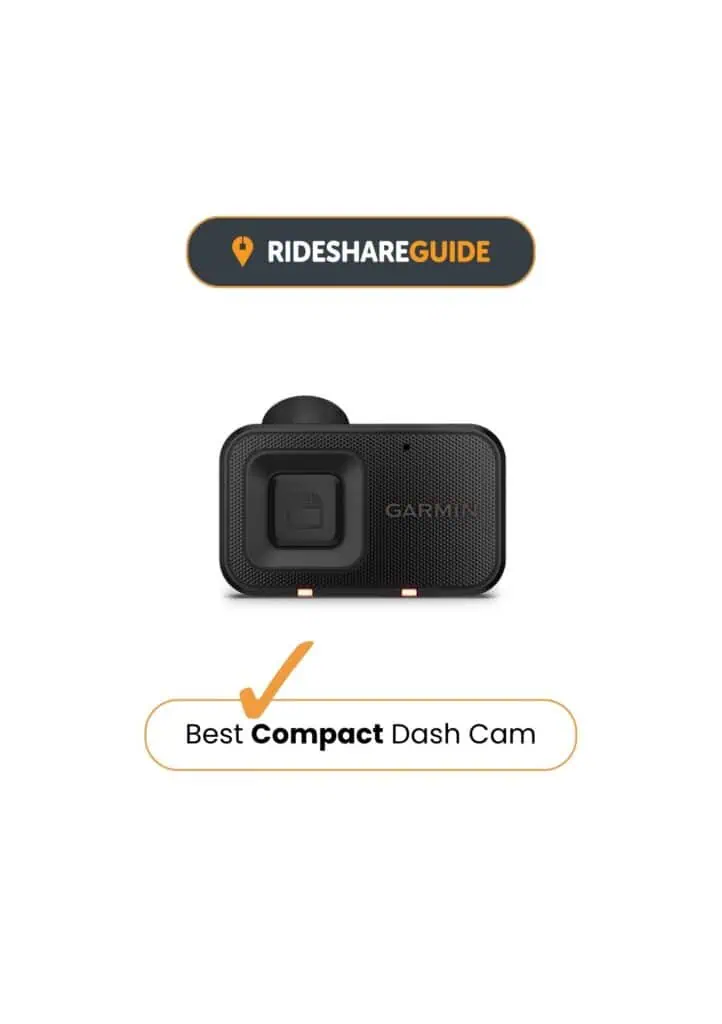
Garmin Dash Cam Mini 3 Review
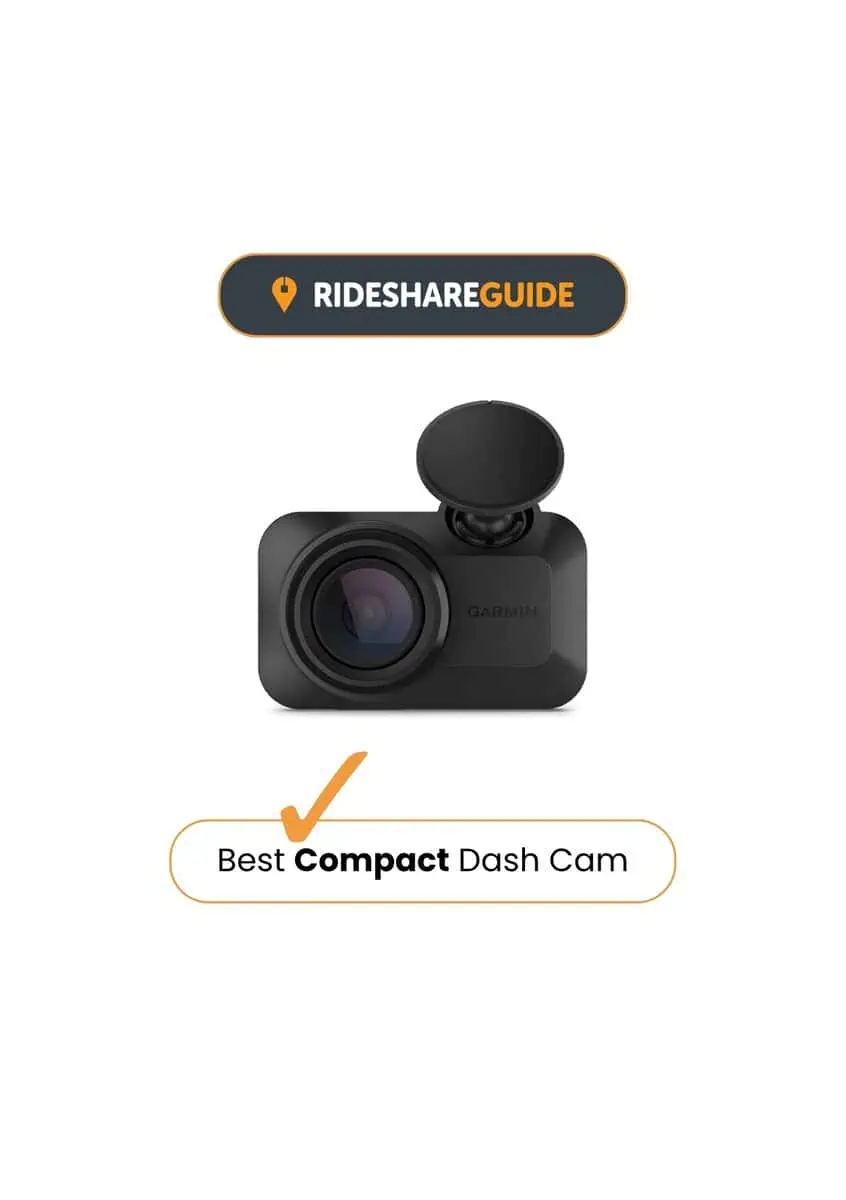
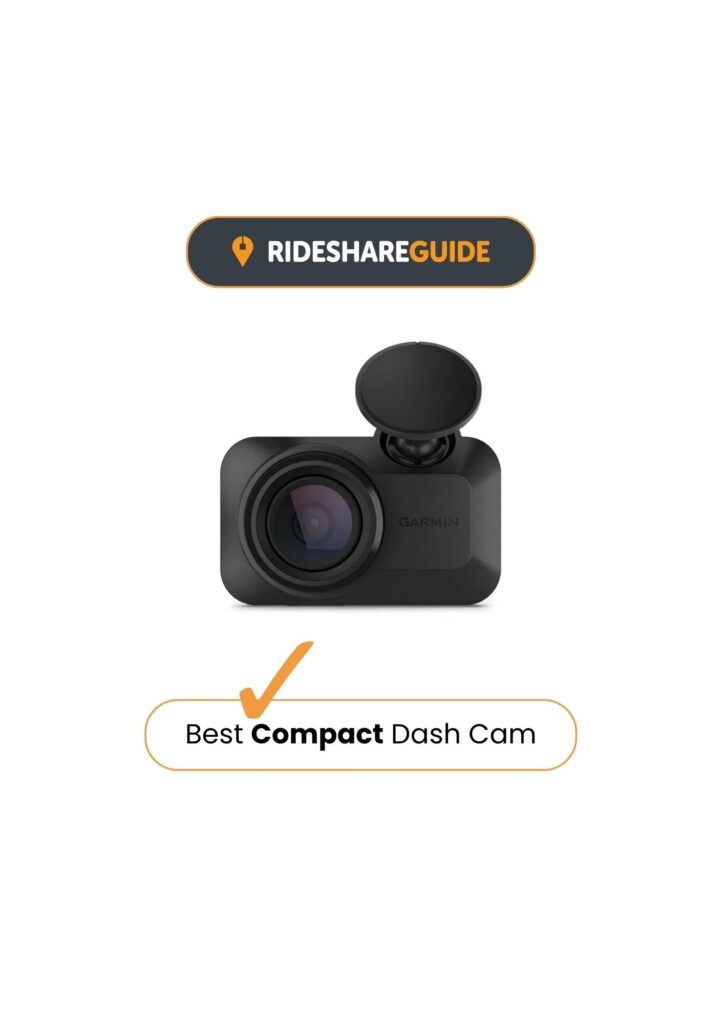
The Garmin Dash Cam Mini 3 is the best compact dash cam for drivers who want an ultra-compact camera that sits discreetly behind the mirror and stays out of the way. There’s no screen, so clips and settings are managed in the app when you need them. Video is Full HD with HDR to manage glare and mixed lighting, and the built-in polariser helps on bright days. Voice control covers a few simple actions without touching the camera.
The Garmin Mini 3 has no GPS and no screen, and remote parking alerts depend on Wi-Fi, constant power, the Drive app, and paid Vault features.
Best for: Drivers who want a very discreet dash cam with Full HD recording and app-based control.
Garmin Dash Cam Mini 3
Garmin Dash Cam Mini 3 Review Results
Key Points in Brief
Discreet Everyday Recording:
Garmin Dash Cam Mini 3 Full HD Recording
In everyday driving, the Mini 3 records clear Full HD footage with a wide 140° view, which is enough for reviewing most incidents. HDR helps stop footage looking too bright or too dark when the light changes, and the built-in polariser can help on bright days by cutting windscreen glare. It won’t match the sharper 2K/4K cameras above it, but for simple “what happened” evidence, it does the job.
Parking Guard Options:
Protection While Your Car Is Parked
Parking Guard can automatically record a protected clip if the camera detects an incident while the car is parked. Constant power is required for parked recording, while remote features depend on the Garmin Drive app, Wi-Fi connectivity and, for some Vault features, a paid subscription. So it offers useful parked protection, but some of its more advanced remote features require additional setup and cost.
Simple Setup & Daily Use:
Garmin Drive App & Voice Control
There’s no screen to look at, which keeps the camera small and avoids windscreen distraction — but it also means the app is where most interaction happens. Once it’s paired and configured, it can largely be left alone, with the app used when you need to review clips or change key settings. Voice control supports a handful of simple actions without requiring the camera to be touched.
Garmin Dash Cam Mini 3 In Action
Get a taste of what to expect
Garmin Dash Cam Mini 3 Review: Verdict
Performance Score
Review findings
The Mini 3 comes through as a dash cam chosen for one main reason: it stays small, sits discreetly behind the mirror, and records without turning the windscreen into a gadget display. It suits drivers who want a tidy setup and are happy using the app when they actually need to review clips or adjust a setting.
Its main trade-offs are practicality rather than quality. The Mini 3 is front-only and has no GPS, so it offers less overall coverage and less built-in context for clips than some drivers want. Full HD is still useful evidence, but it’s not aimed at maximum detail at distance.
Parking Guard is a good example of the Mini 3’s trade-offs. It can be useful when the camera has constant power, but remote features require additional setup, including Wi-Fi and the Garmin Drive app, with some Vault features requiring a paid subscription. For drivers who mainly want discreet everyday recording, that’s fine, but it’s worth knowing upfront.
Taken as a whole, the Mini 3 makes most sense for drivers who value discretion and simplicity over maximum resolution or front-and-rear coverage. Its compact size, app-based controls and voice commands give it a clear reason to choose it over larger, more feature-heavy alternatives. For higher-resolution and front-and-rear options, see how it compares in our Best Dash Cams UK guide.
Garmin Dash Cam Mini 3
Some links on this site are affiliate links which allow us to earn a small commission
at no cost to you. As an Amazon Associate, we earn from qualifying purchases.
Garmin Dash Cam Mini 3: Common Questions
Does the Garmin Dash Cam Mini 3 have GPS?
No. The Garmin Dash Cam Mini 3 does not have built-in GPS, so it does not add location data to recorded footage. This is one of its main limitations compared with some larger Garmin dash cams and other similarly priced models.
Does the Garmin Dash Cam Mini 3 have parking mode?
Yes. The Garmin Dash Cam Mini 3 uses Garmin’s Parking Guard feature to automatically record if an incident is detected while the car is parked. It requires a constant power source for parked recording, while smartphone notifications also require the camera to be connected to Wi-Fi.
Garmin Dash Cam Mini 3 vs Mini 2: is it worth upgrading?
For most existing Mini 2 owners, probably not. Both record in 1080p with a 140° field of view, while the Mini 3’s main upgrade is its built-in Clarity polariser, which helps reduce windscreen glare. The Mini 3 makes more sense for someone buying a compact Garmin dash cam for the first time than for someone replacing a working Mini 2.