
How to Choose a Dash Cam for Uber Drivers (UK Guide)
Dash cams for Uber drivers: safety, evidence, and what actually matters
Choosing a dash cam for Uber work isn’t about picking the newest model or the one with the most features. From experience, the right dash cam depends on how you drive, how much time you spend on the road, and what you might realistically need footage for later.
This guide walks you through the choice in a clear, practical way, focusing on what matters most to Uber drivers in the UK. There’s no jargon and no sales talk — just simple explanations to help you understand your options. If you’d rather skip straight to the picks, you can also see best dash cams for Uber drivers selected for real-world private-hire needs.
By the end, you’ll know what to focus on, what to ignore, and how to choose a setup that fits your day-to-day work.
Why Dash Cams Matter More for Uber Drivers
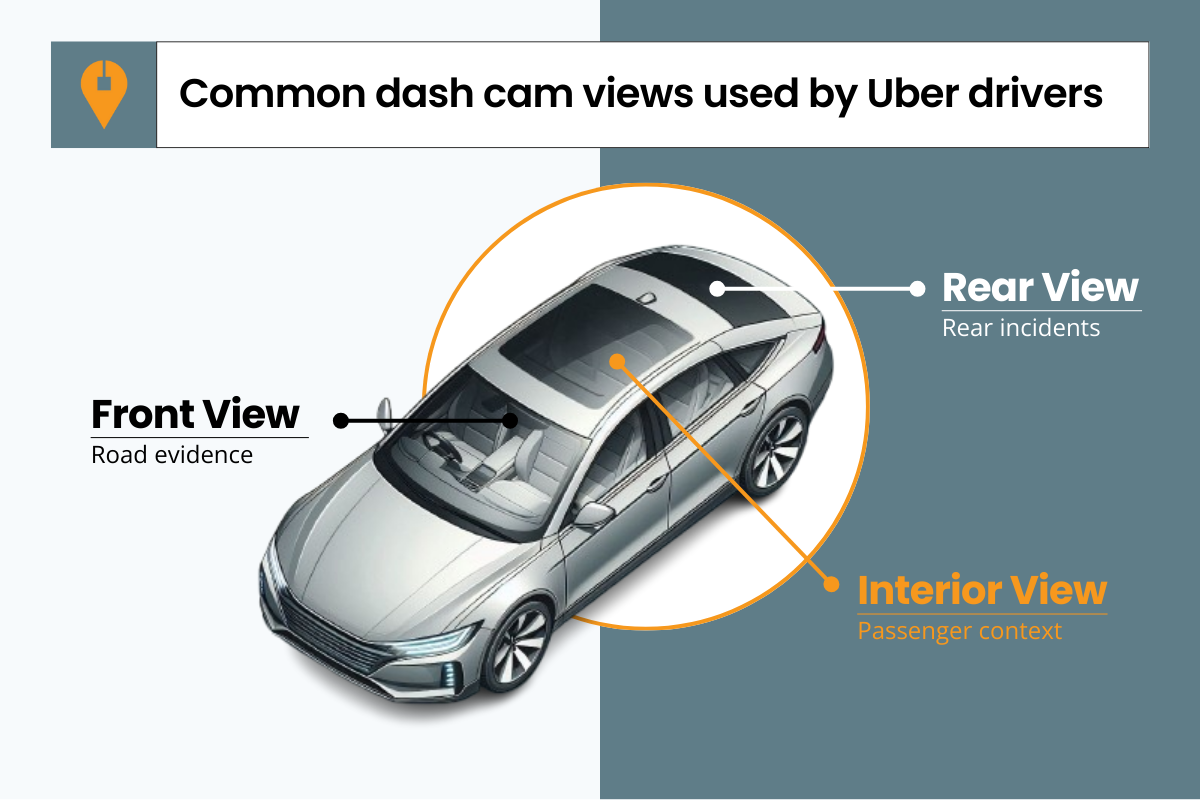
Complaints and misunderstandings happen, and memory alone isn’t always reliable. A dash cam’s job is simple — to record what actually happened, clearly and consistently. There aren’t dash cams made specifically for Uber drivers; some models are simply better suited to private-hire work because they focus on reliability, clear recording, and the right coverage.
That’s why, for Uber driving, the best dash cams are the ones that do the basics well and offer the most coverage — especially during late shifts and night driving.
What Footage Matters — and From Which Angles
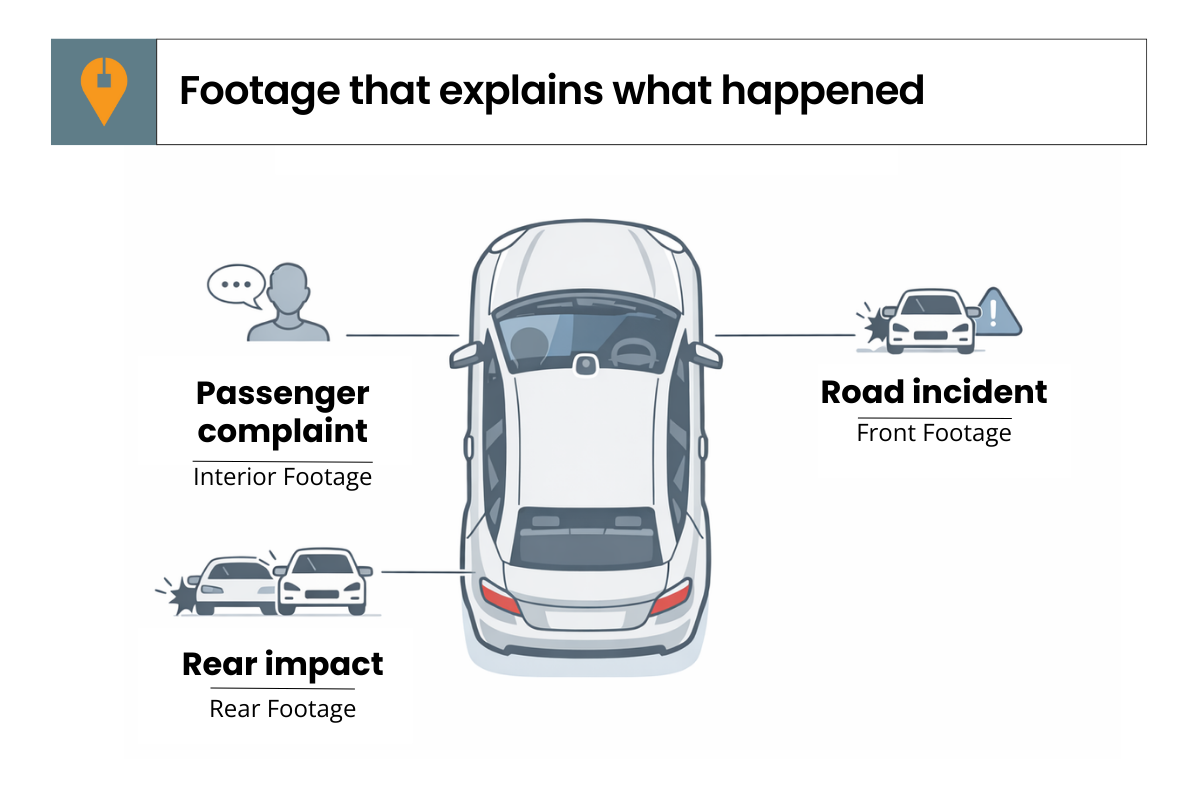
Front-facing footage helps with accidents and insurance claims. Interior footage can clarify complaints about behaviour or conversations during a trip. Rear footage can help if you’re hit while stopped or pulled over.
You don’t need to record everything. What matters is having clear footage that explains what happened, from the right angles — the kind of footage that can be understood quickly if a trip is ever questioned.
Front, Dual, or 3-Channel — What’s the Difference?
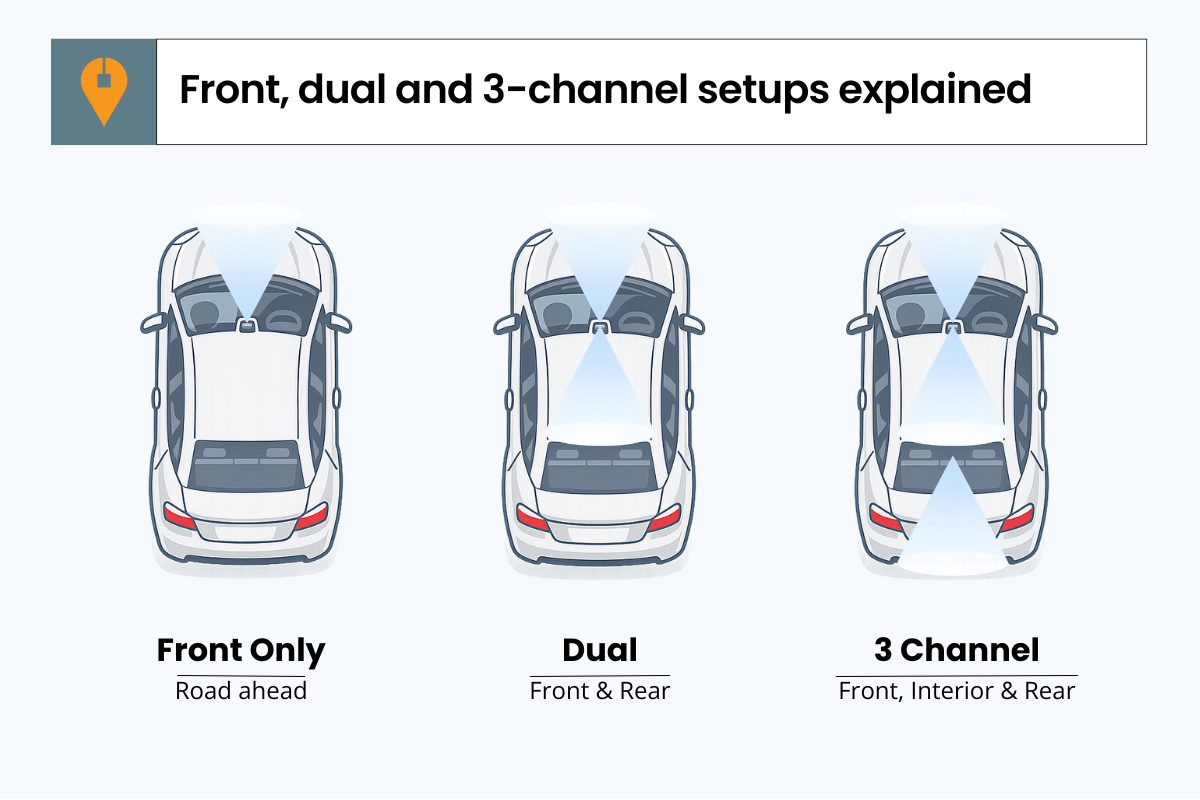
A dual-channel dash cam records two views. This usually means the road plus either the cabin or the rear, depending on the model. It adds useful context, but still leaves one area unrecorded.
A 3-channel dash cam records the road, the interior, and the rear at the same time. It captures what happens in front, inside the car, and from behind, giving the most complete picture of a trip.
That’s why a 3-channel setup is usually the best choice for full coverage.
Which setup is worth paying for?
Before choosing, check the complete cost: the cameras, a suitable memory card, any hardwire kit and fitting. A well-installed two-channel camera that records clearly and lets you retrieve a clip easily may serve you better than stretching your budget for three views you have not set up properly.
If you already own a dash cam, check what it records at night and whether you can find and save a clip before replacing it. The missing view—or unreliable footage—should guide the upgrade.
Night Driving and Low-Light Footage — What to Prioritise?
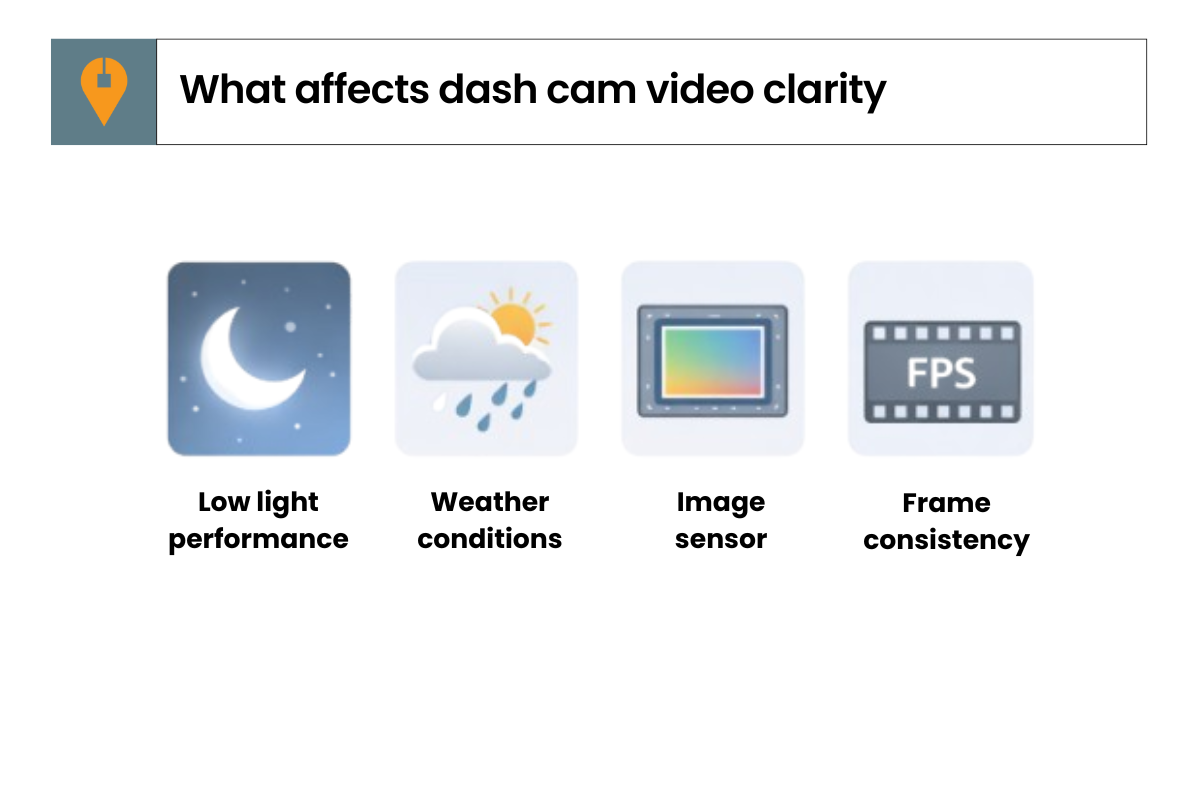
At night, clarity depends less on resolution and more on how well the camera handles low light. Frame rate plays a role too — higher FPS can make movement look smoother, but only if the camera can maintain it in darker conditions.
For Uber drivers, what matters most is footage that stays clear enough to show what happened. That’s far more important than how sharp it looks during the day. If you want to go deeper, I’ve also written separate guides that explain each of these areas in more detail.
Parking Mode for Uber Drivers — Do You Need It?
That’s the role of parking mode. Whether it’s worth prioritising depends entirely on how and where you park between working hours, rather than how you drive during trips.
Ease of Use Matters More Than Features
Features like lane-departure warnings, collision alerts, or constant voice notifications can sound useful on paper, but they rarely help explain what actually happened during a trip. For experienced drivers, they often end up switched off and don’t add much in real-world use.
The same applies to heavily app-led setups. Some drivers don’t mind adjusting settings through a phone app, but for occasional checks or quick access to footage, a camera that’s straightforward to use on its own can be easier to live with. In practice, many Uber drivers end up valuing stable recording and simple access over extra features they rarely rely on.
Storage Capacity and Keeping Important Footage
For Uber drivers, having enough storage matters because you’re often driving for long hours and recording multiple trips back to back. A larger memory card gives you more breathing room, reducing the chance that useful footage is overwritten before you even realise you need it.
What matters just as much is being able to keep the right clips when something does happen. Locking important footage and knowing it’s been saved properly makes a real difference in practice.
What Isn’t a Top Priority for Uber Driving
Advanced driver alerts, voice prompts, and similar extras rarely help explain what happened during a trip. They may look appealing in specifications, but for experienced drivers they’re often switched off and don’t contribute to clearer evidence.
Likewise, ultra-high resolutions and marketing terms don’t always translate into more usable footage. Coverage, low-light clarity, and consistent recording tend to matter far more than how impressive the spec sheet looks. Once those basics are covered, the rest is usually secondary.
The 5 Things RideshareGuide Scores
To keep comparisons fair, every dash cam is judged on the same five things.
A Simple Way to Decide
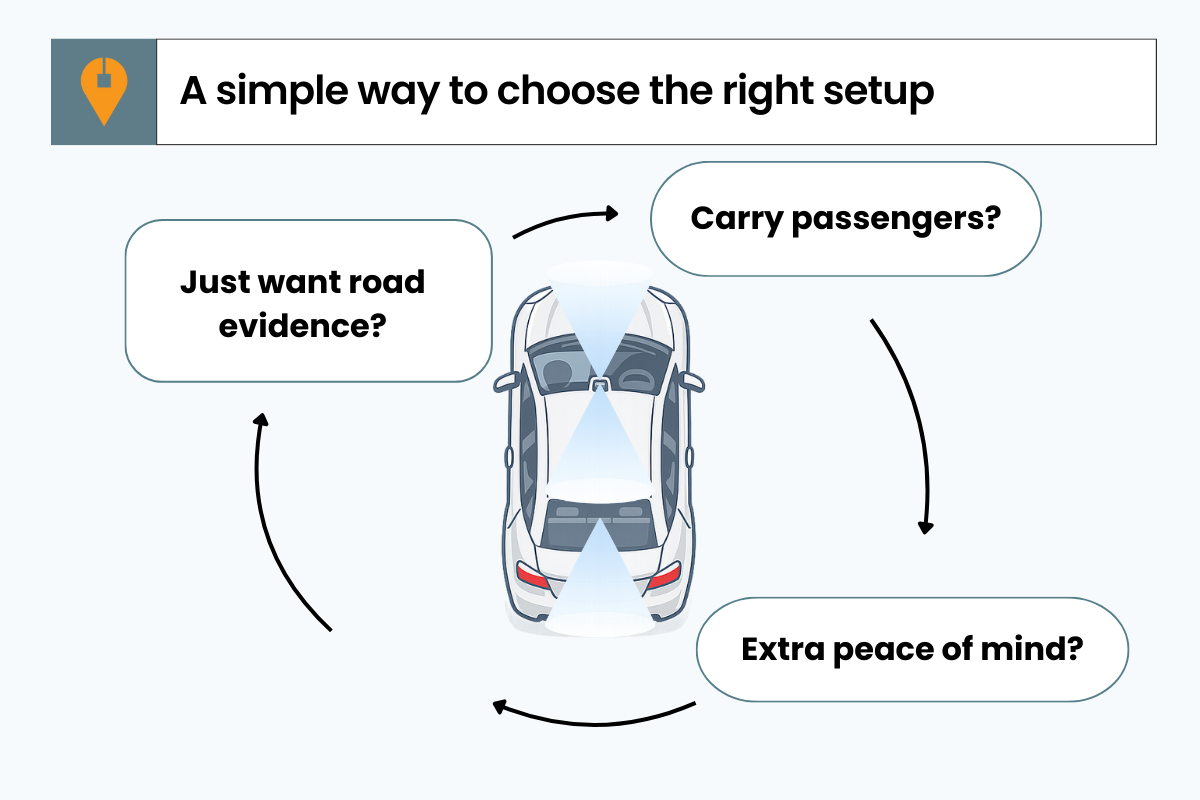
If passenger disputes worry you, consider recording inside the car.
If you want the least hassle, choose something simple and easy to use.
You don’t need every feature. You just need a setup that matches how you drive.
Ready to Choose?
If you want to see which models fit these priorities best, move on to the recommendations below. Each one is reviewed using the same approach explained here.