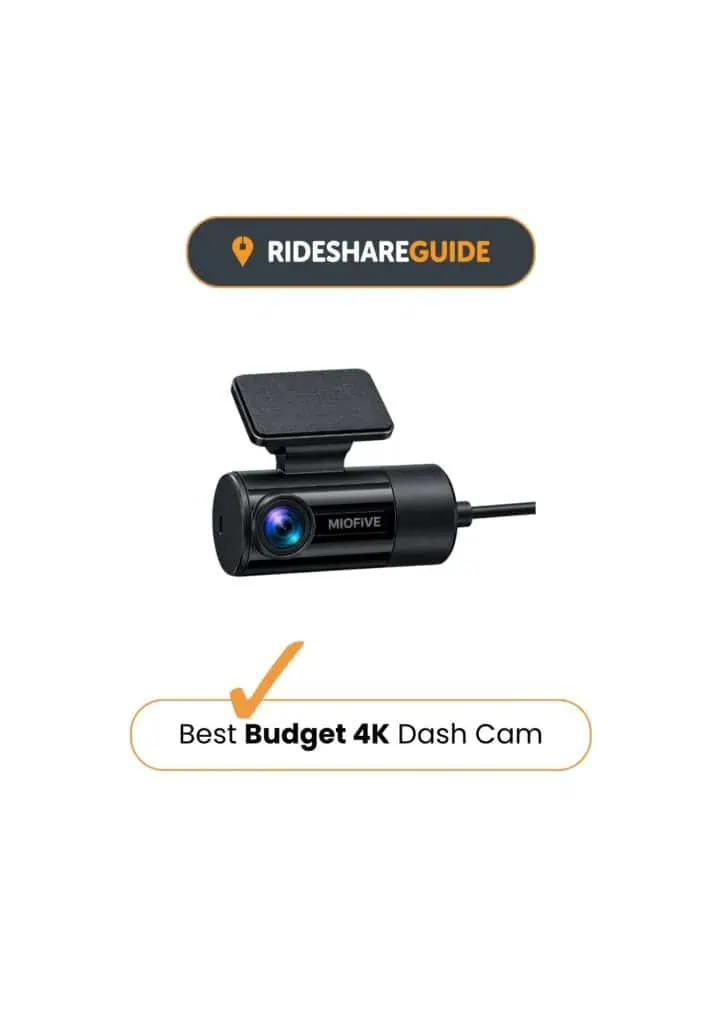
Miofive S1 Pro Review
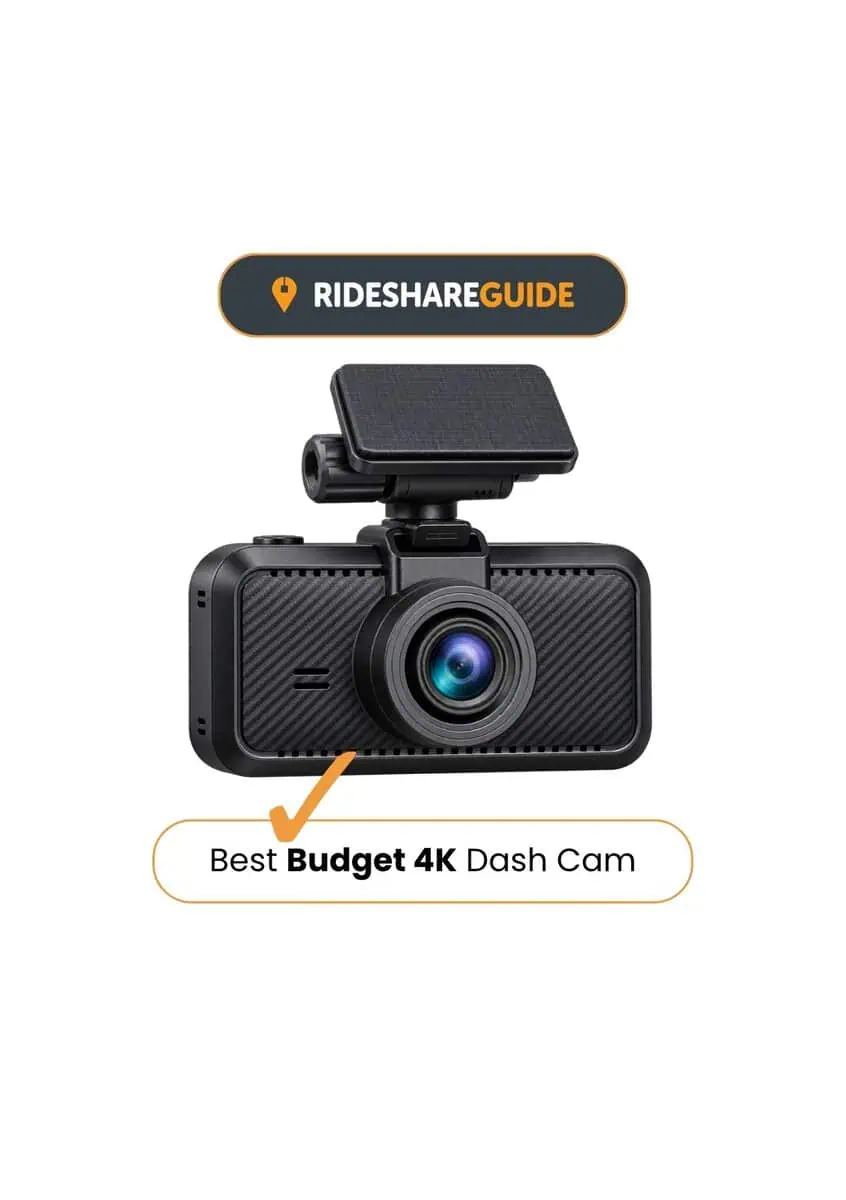
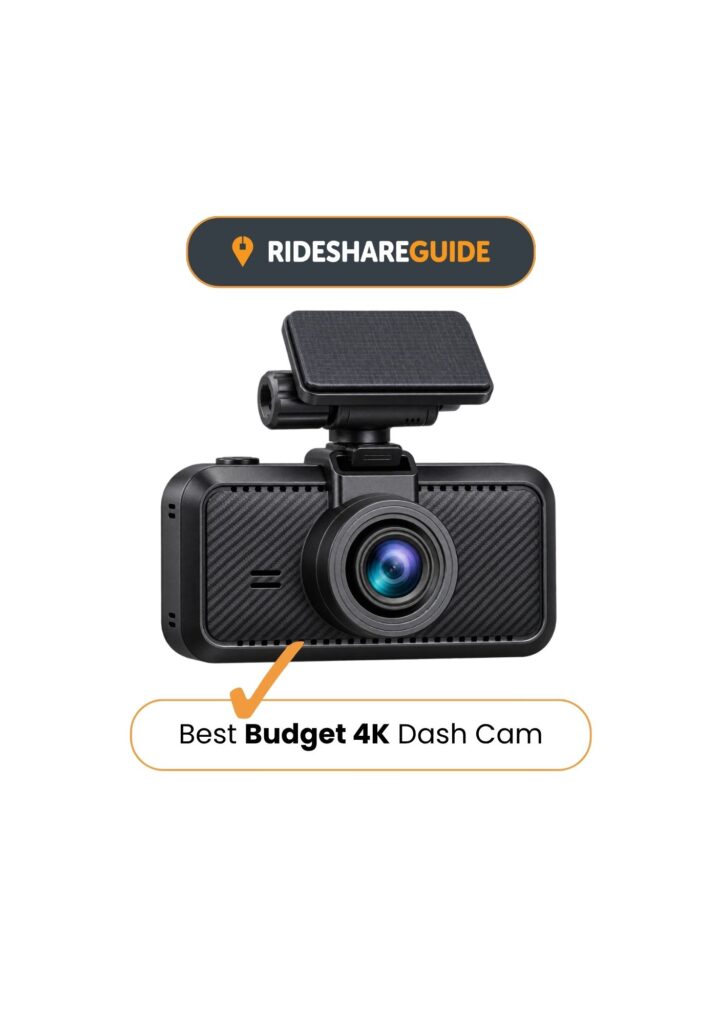
The Miofive S1 Pro earns third place as the Best Budget 4K Dash Cam because it offers true 4K front recording and 2K rear coverage at a price that stays sensible. At the budget end, many “4K” dash cams produce soft, over-processed footage, but the S1 Pro is strongest in daylight, where detail is clearer for everyday incidents. Setup is straightforward, and it suits drivers who want simple front-and-rear evidence without paying for premium extras.
The Miofive S1 Pro app is fairly basic, and night footage isn’t as strong as the higher-ranked models above it. Build quality is solid for the price, but it’s clearly more budget-focused than the top two.
Best for: Drivers who want true 4K front recording and 2K rear coverage at a competitive price.
Miofive S1 Pro Dash Cam
Miofive S1 Pro Review Results
Key Points in Brief
4K Video on a Budget:
Miofive S1 Pro 4K + 2K Recording
The Miofive S1 Pro delivers genuine 4K recording that performs better than many low-cost dash cams manage. Daytime footage is sharp and detailed, with enough clarity to pick out number plates, road signs, and traffic lights at sensible distances. Night recordings inevitably lose some sharpness, but they remain usable, with less grain than is typical at this price point and enough detail for general incident review. Colours can look a little flat in dull conditions, but overall video quality is consistent and dependable for everyday driving.
Essential Safety & Recording Features:
GPS, G-Sensor & Parking Mode
The S1 Pro covers the basics most drivers actually rely on. A built-in G-sensor automatically locks footage if it detects an impact, helping ensure important clips aren’t overwritten. GPS is included for speed and location data, which can be useful when reviewing incidents later. Parking mode is available when hardwired, triggering recordings if a collision is detected while the car is parked, but it’s kept simple rather than constantly monitoring or sending alerts.

Straightforward Setup & Daily Use:
Wi-Fi, App & Everyday Use
Installing the Miofive S1 Pro is quick and uncomplicated, using an adhesive windscreen mount and a clear on-camera screen for basic setup. The physical buttons are simple to use, and the display switches off after a short time so it doesn’t become a distraction. The Miofive app allows clips to be transferred over Wi-Fi when needed, and while it isn’t packed with extras, it does what’s required without forcing account sign-ups or unnecessary steps. Once installed, the camera starts recording automatically and can largely be left alone.
The S1 Pro also includes AI-assisted voice alerts, including fatigue warnings and stop-and-go reminders. These can become repetitive during everyday driving, particularly in slow-moving traffic, but the AI alerts can be switched off through the camera settings if preferred.
Miofive S1 Pro In Action
Get a taste of what to expect
Miofive S1 Pro Review: Verdict
Performance Score
Review findings
The Miofive S1 Pro delivers true 4K front recording alongside 2K rear coverage at a competitive price. Daytime footage provides good detail on vehicles, road signs and traffic signals, giving it a clear advantage over cheaper dash cams that advertise 4K without delivering the same level of useful detail.
Night performance is more limited, with some fine detail lost compared with the stronger low-light cameras in this guide. Colours can also appear flatter in dull or overcast conditions, but footage remains useful for providing evidence when it matters.
Day-to-day use is straightforward. The 3-inch screen makes setup and basic controls easy to access, while GPS records journey information and dual-band Wi-Fi provides access to footage through the Miofive app. The current UK S1 Pro also includes UK speed-camera alerts, which is a useful extra at this price.
For drivers who want true 4K front recording, 2K rear coverage and useful everyday features without moving into premium pricing, the Miofive S1 Pro offers a lot for the money. Its night performance and more budget-focused finish are the main compromises. For more premium, compact and front-only alternatives, see how it compares in our Best Dash Cams UK guide.
Miofive S1 Pro Dash Cam
Some links on this site are affiliate links which allow us to earn a small commission
at no cost to you. As an Amazon Associate, we earn from qualifying purchases.
Miofive S1 Pro: Common Questions
Is the Miofive S1 Pro true 4K?
Yes. The Miofive S1 Pro records native 4K (3840×2160) footage at the front rather than using software-upscaled 4K. It also records in 2K (2560×1440) through the rear camera, with both cameras recording at 30fps.
Does the Miofive S1 Pro have parking mode?
Yes. The Miofive S1 Pro supports 24-hour parking monitoring, including impact detection and time-lapse recording. It requires either Miofive’s compatible hardwire kit or OBD II power cable to remain powered while the car is parked.
Does the Miofive S1 Pro have speed camera alerts?
Yes. The current UK Miofive S1 Pro includes speed-camera alerts alongside its built-in GPS, with warnings for Gatso, average-speed and red-light cameras. This is a UK-specific feature, so buyers should make sure they are purchasing the UK version.